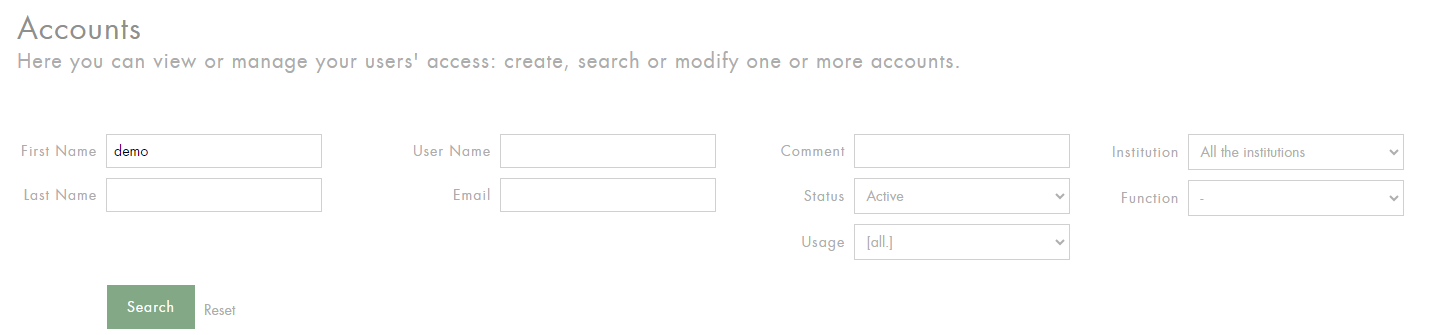
Search for a single account
Enter the information related to the user account you are looking for: last name, first name and/or email address and click on Search.
We recommend the use of the Email field for searches.
Search for multiple accounts
-
To search for all active accounts: select Active in the Status field and click Search.
-
To search for all active accounts for a specific institution: select Active in the Status field, select an institution in the Institution list, and click Search.
You can export the list of accounts by clicking on the desired format (MS Excel or CSV).