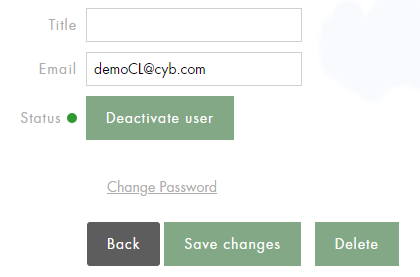
Find the user account you want to edit and click on the email address.
You can edit the following information:
-
Title
-
Last Name and First Name (minimum 2 characters)
-
Email
-
Password (minimum 6 characters)
-
Function
-
Status (activate/deactivate a user account)
The user name and ID cannot be modified.
Don't forget to save your changes by clicking on Save Changes.