
If you have access to our services through IP address recognition, you can manage your IP addresses on this page.
If several institutions have access to our services, select from the drop-down menu the institution you wish to manage.
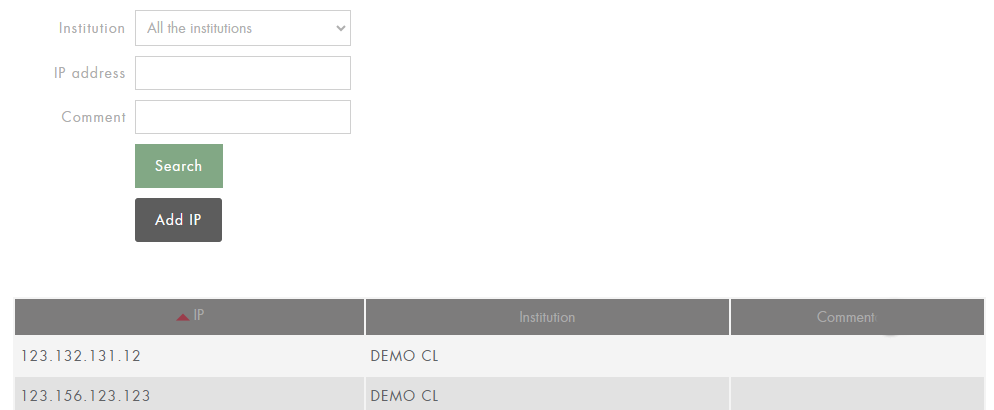
You can search the list to check if an IP address has been added to your institution, or add a new IP address.
Search for an IP address
In the IP address field, enter the address you are looking for and click on Search. You can also search for IP ranges by entering only part of the address. A search for address 127.0.0 will return all existing addresses in the range (127.0.0.0 to 127.0.0.255).
You can also search for comments associated with IP addresses.
Add an IP address
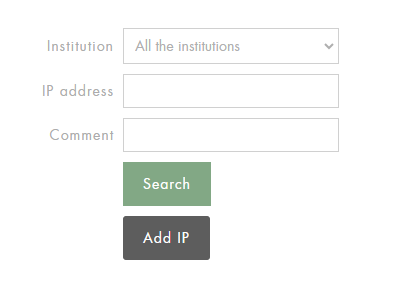
To add a new IP address, click on the Add IP button and fill in the requested information:
-
select an institution
-
insert the address in the IP Address field
-
optional: you can add a comment to the IP address in order to easily identify it (e.g. IP library).
Then click on the Add IP button.
For each IP created or modified, allow 24 hours for it to be effectively updated on our services. If this is not the case, please contact us at info@cyberlibris.com