
To view SUSHI access management, click on the SUSHI API tab at the top right of the page.

To harvest reports automatically, the following information is required:
-
SUSHI server URL (version 5.1) https://counter5.cyberlibris.com/r51
-
API Key
-
Customer ID
-
Requestor ID
How to get you SUSHI access information:
-
Create an account
You need to create one account per institution or a global account for all of them if you do not want details by institution.
-
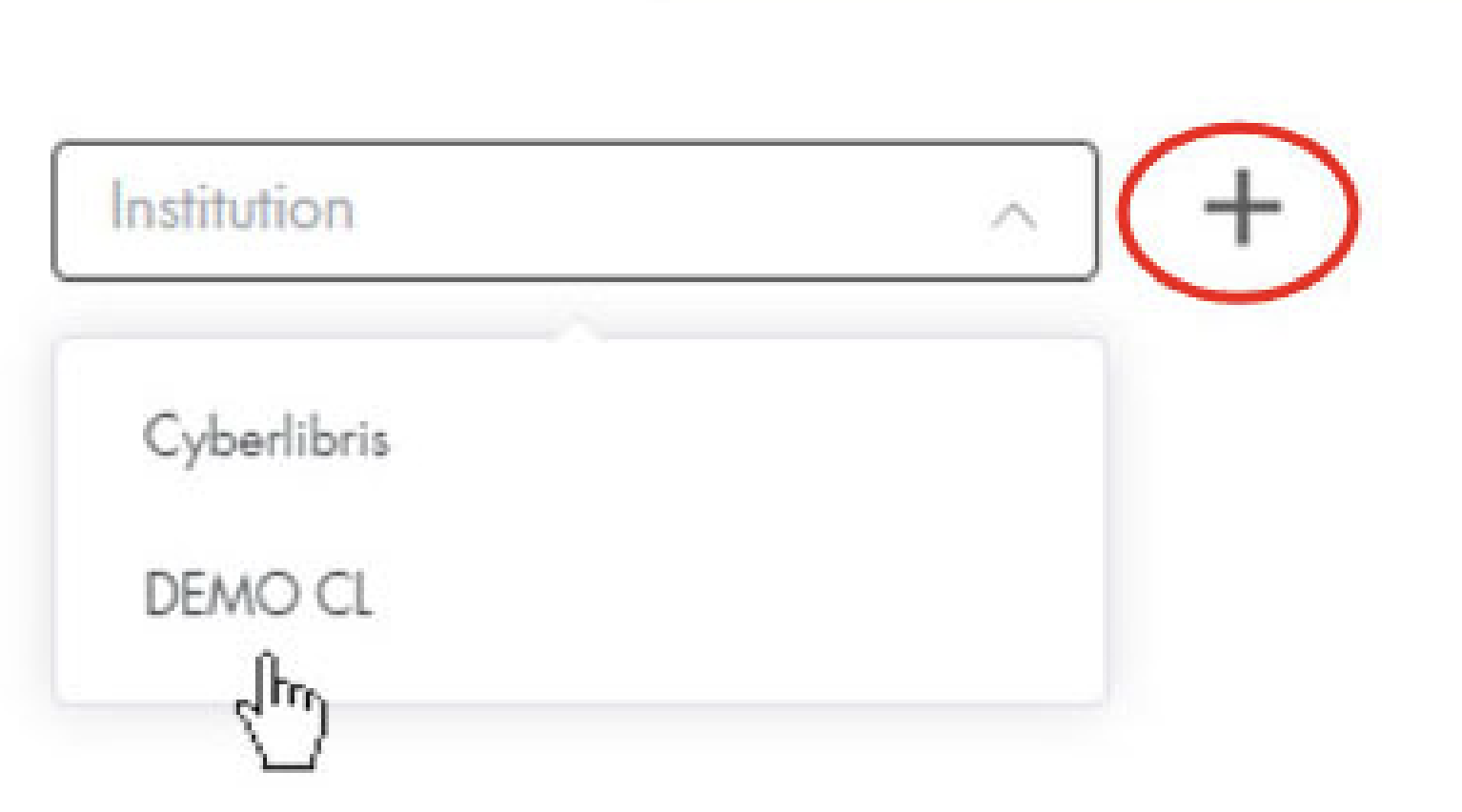
To add a SUSHI account for a specific institution, select the institution and click the + button.
-
To add a global SUSHI account (for all institutions), click directly on the + symbol without selecting an institution.
-
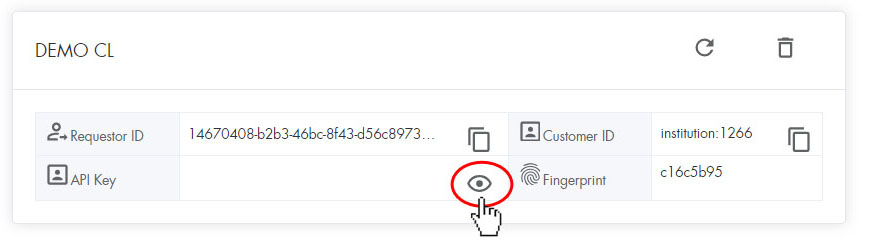
Click on the eye to reveal the API key
-
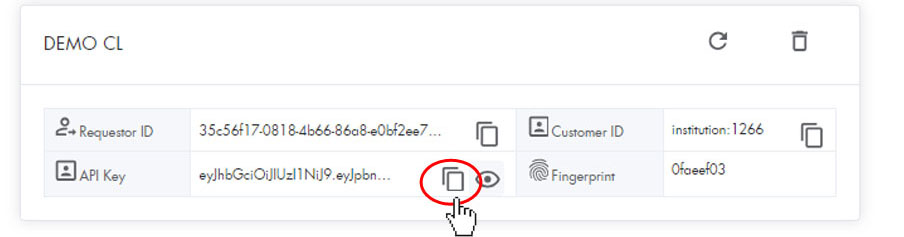
Copy the Requestor ID, Customer ID, and API key by clicking on the overlapping pages symbol in front of each element
If you have any issues managing your SUSHI accounts or with data harvesting, contact us at info@cyberlibris.com